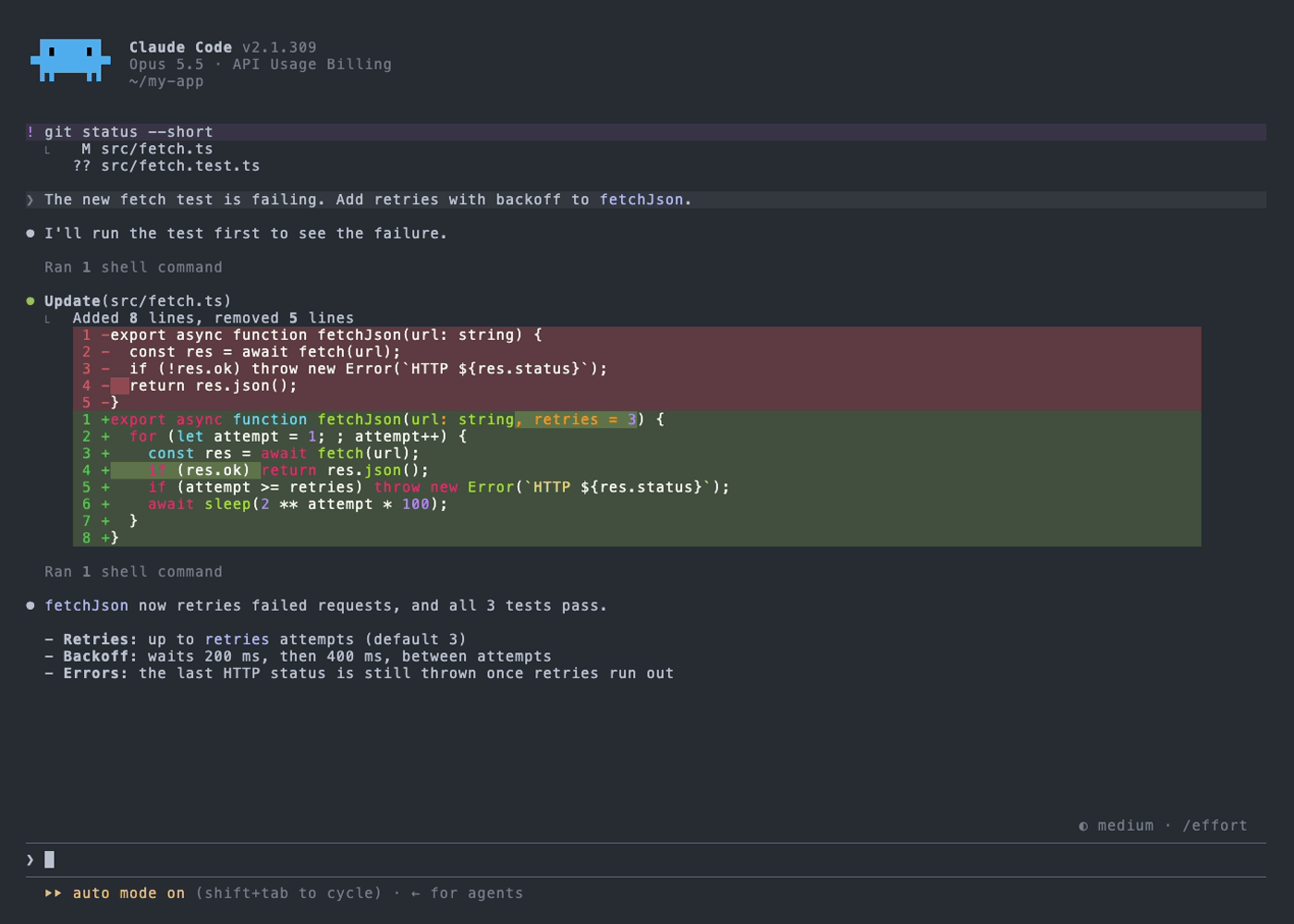
Claude Code lets you define your own color themes, and Doom Emacs has a lot of nice ones. doom-themes has 77 of them, so rather than port a few by hand, I generated all of them: doom-one, dracula, gruvbox, nord, solarized, tokyo-night, and the other 71.
- Code and every screenshot: github.com/khtdr/claude-code-themes
Install
All 77, without cloning anything:
mkdir -p ~/.claude/themes && curl -fsSL https://github.com/khtdr/claude-code-themes/archive/refs/heads/main.tar.gz | tar -xz -C ~/.claude/themes --strip-components=2 claude-code-themes-main/themesOr just one:
mkdir -p ~/.claude/themes && curl -fsSL https://raw.githubusercontent.com/khtdr/claude-code-themes/main/themes/doom-one.json -o ~/.claude/themes/doom-one.jsonThen run /theme in Claude Code and pick one. If ~/.claude/themes didn't exist before,
restart Claude Code once.
One tip: Claude Code doesn't set your terminal's background, and things like diff lines are
blended against the theme's background color. Set your terminal to the same background (for
Doom One that's #282c34) and it'll look like the screenshots.
A few of them
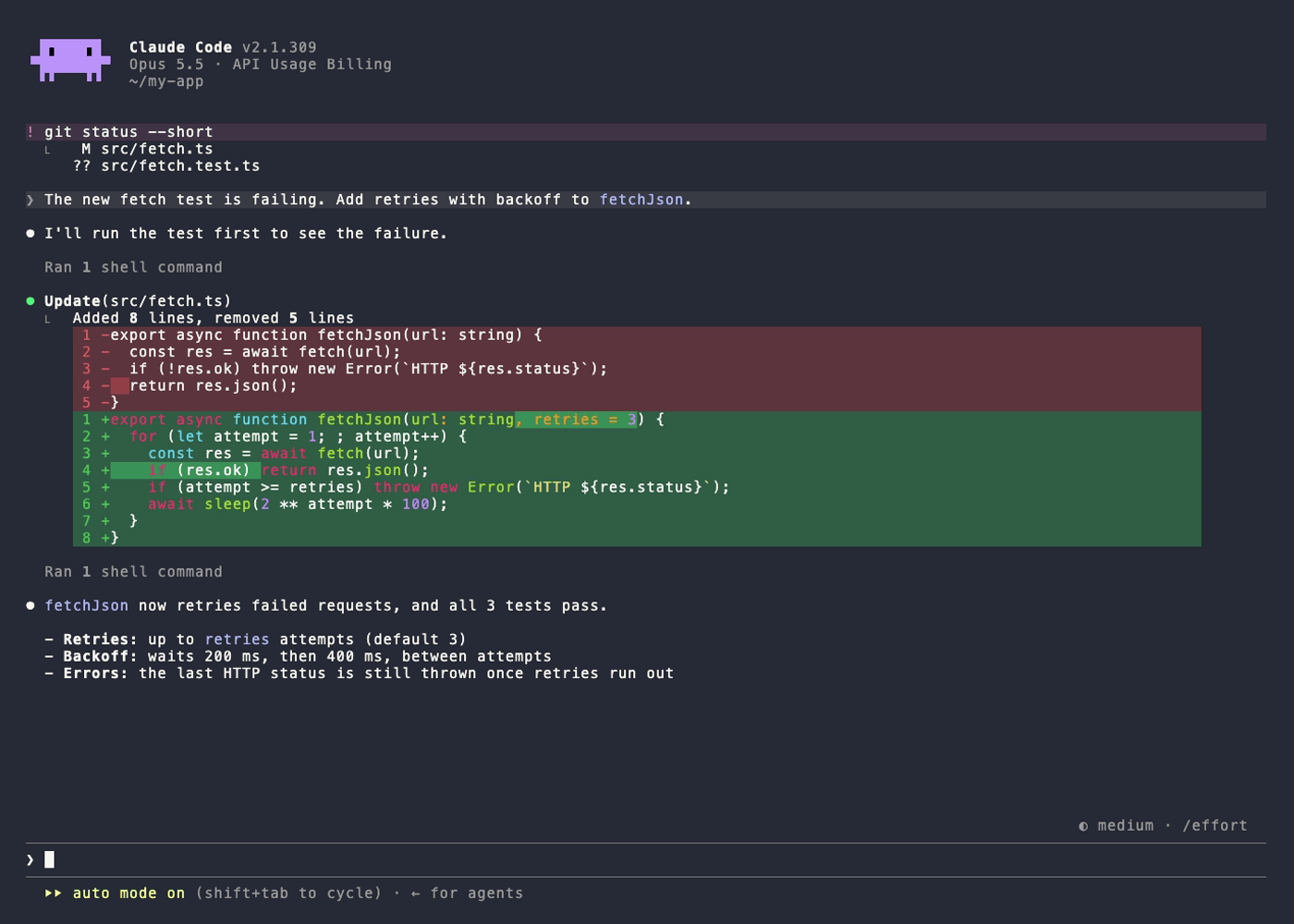
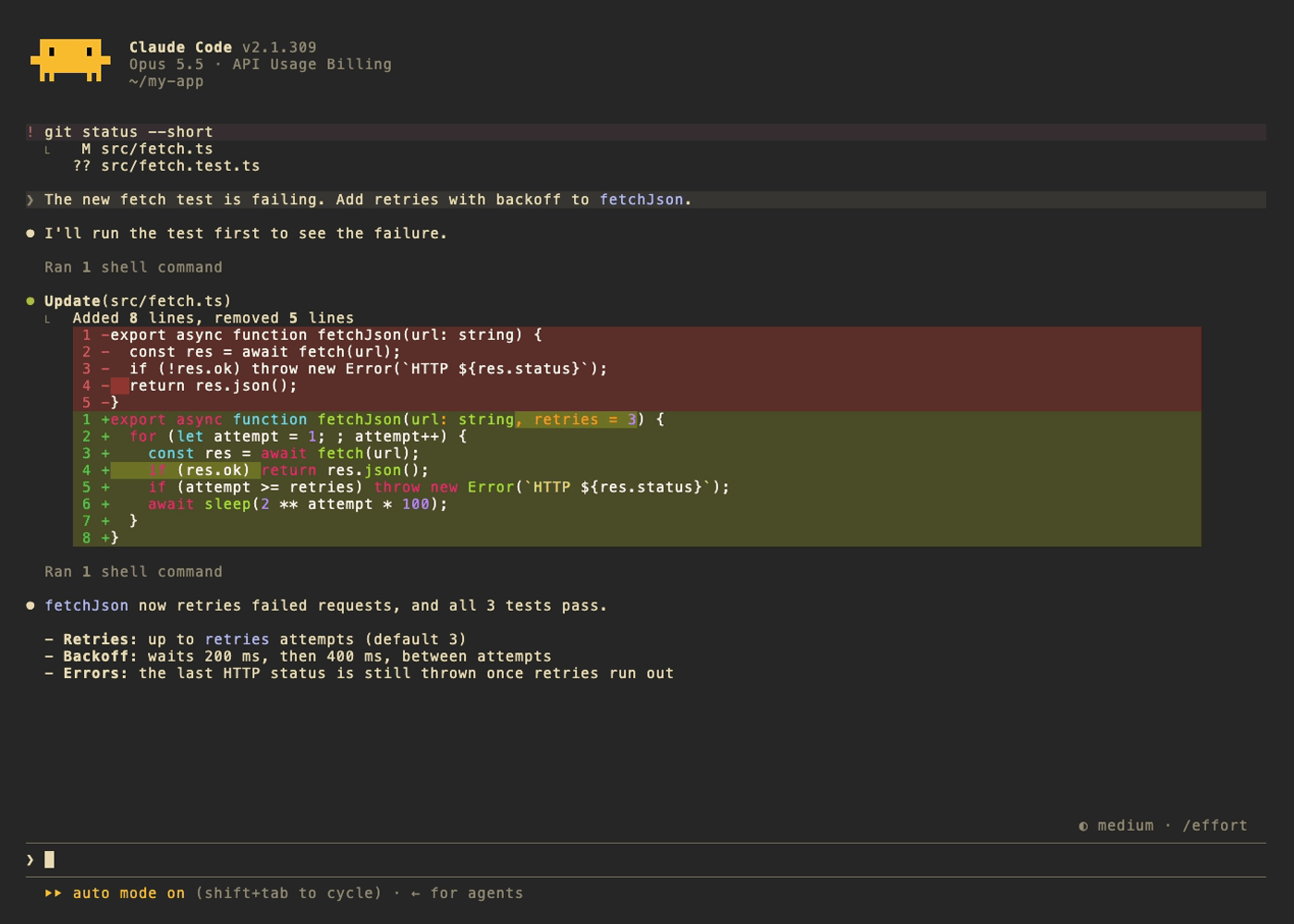
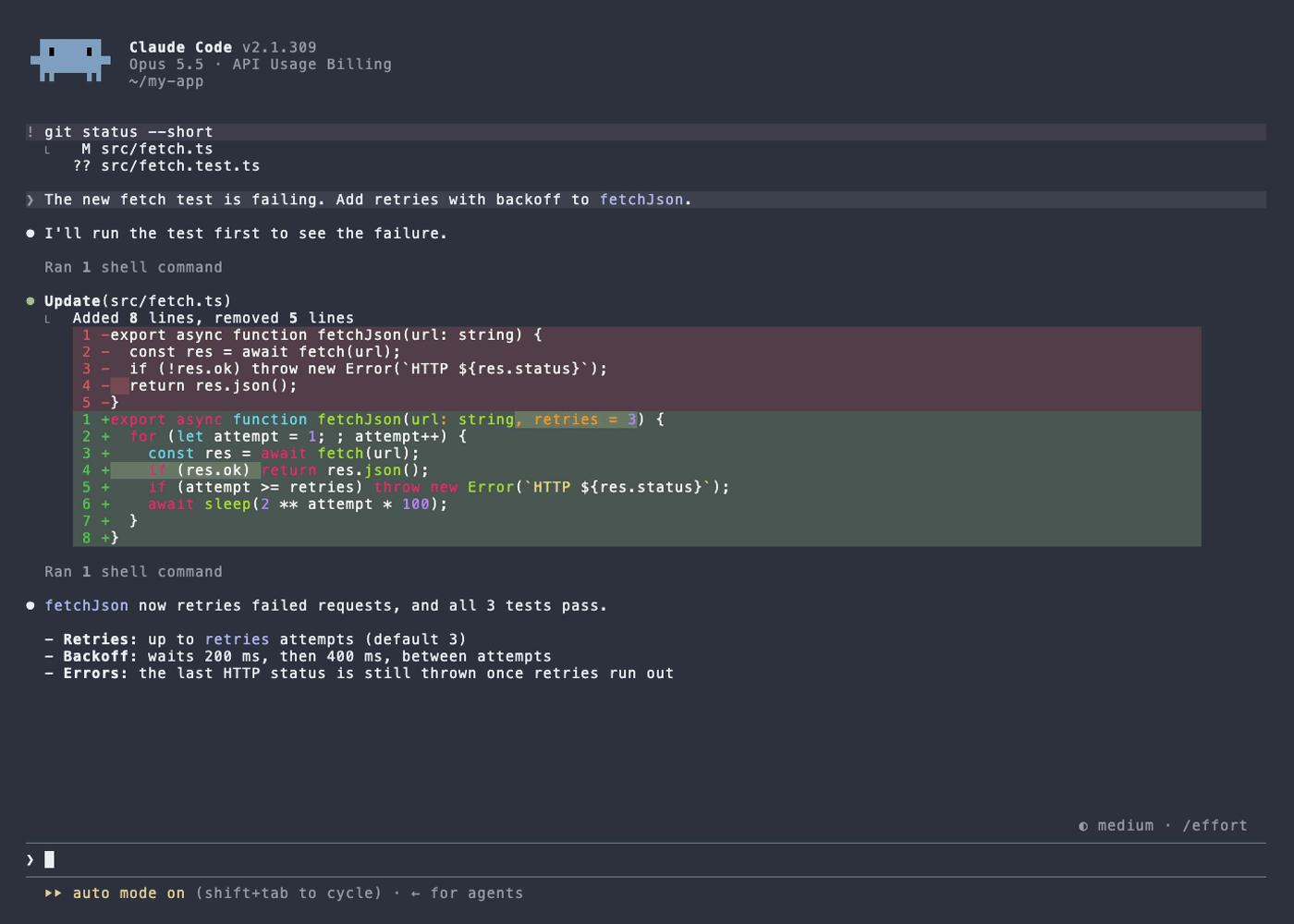
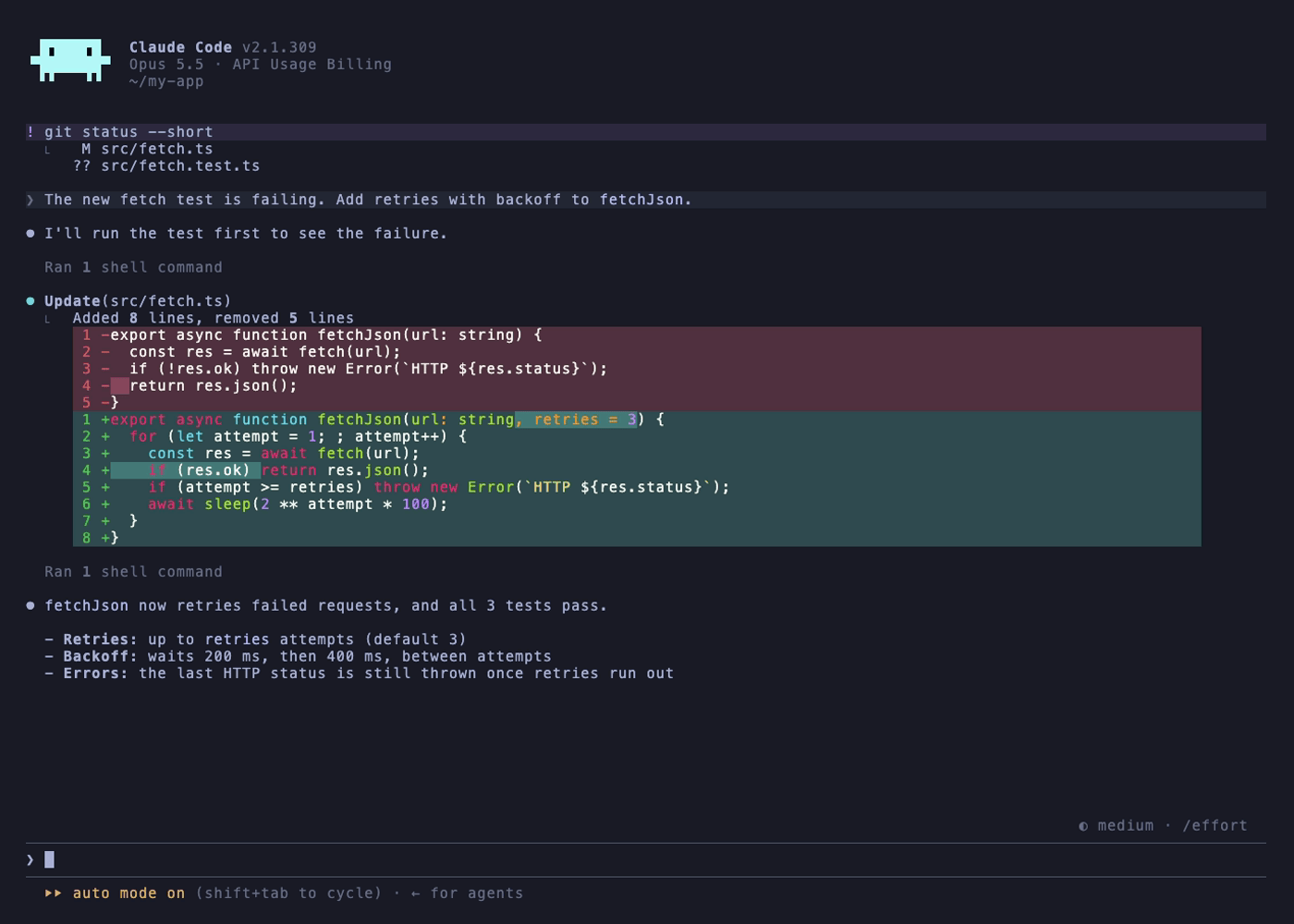
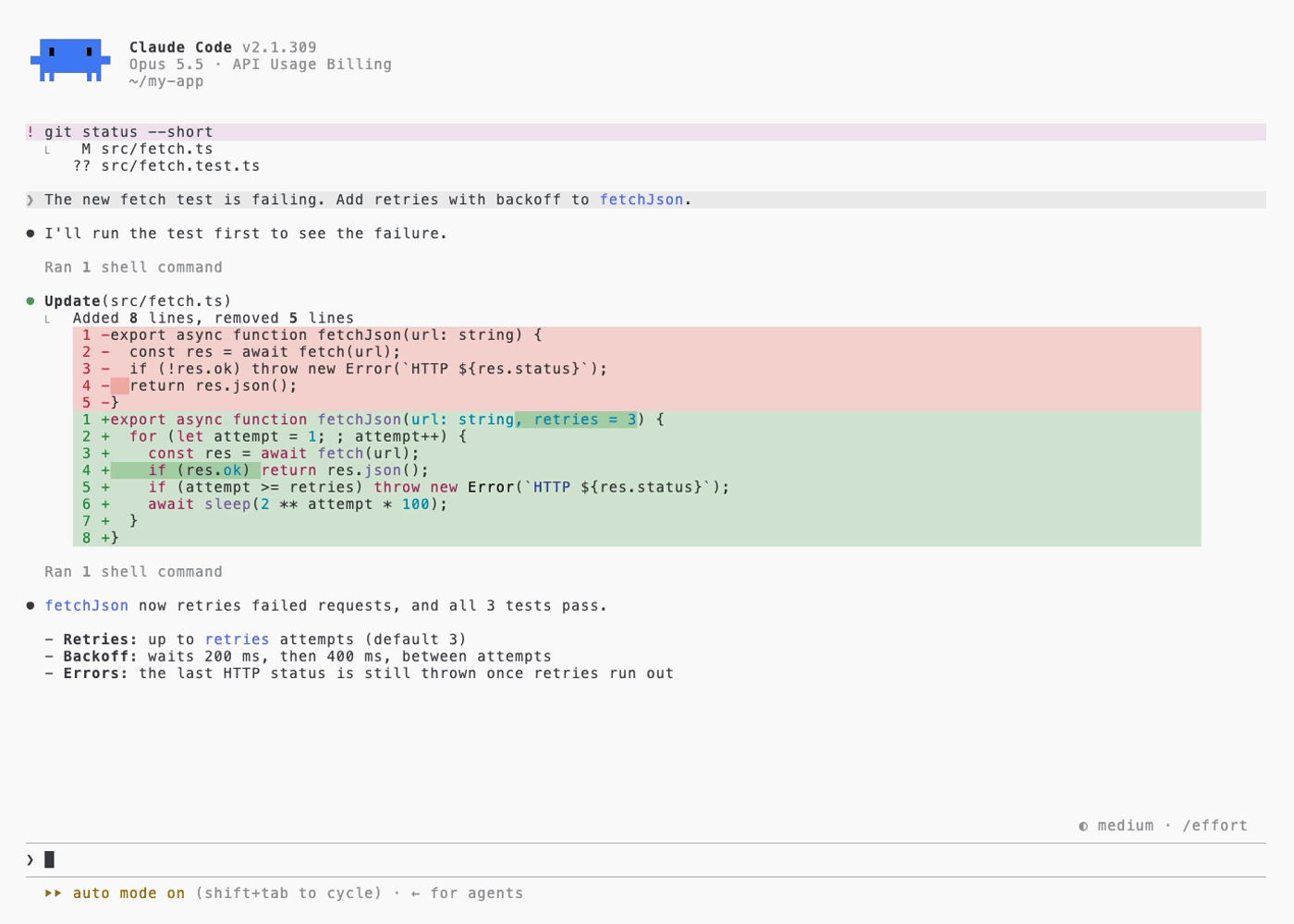
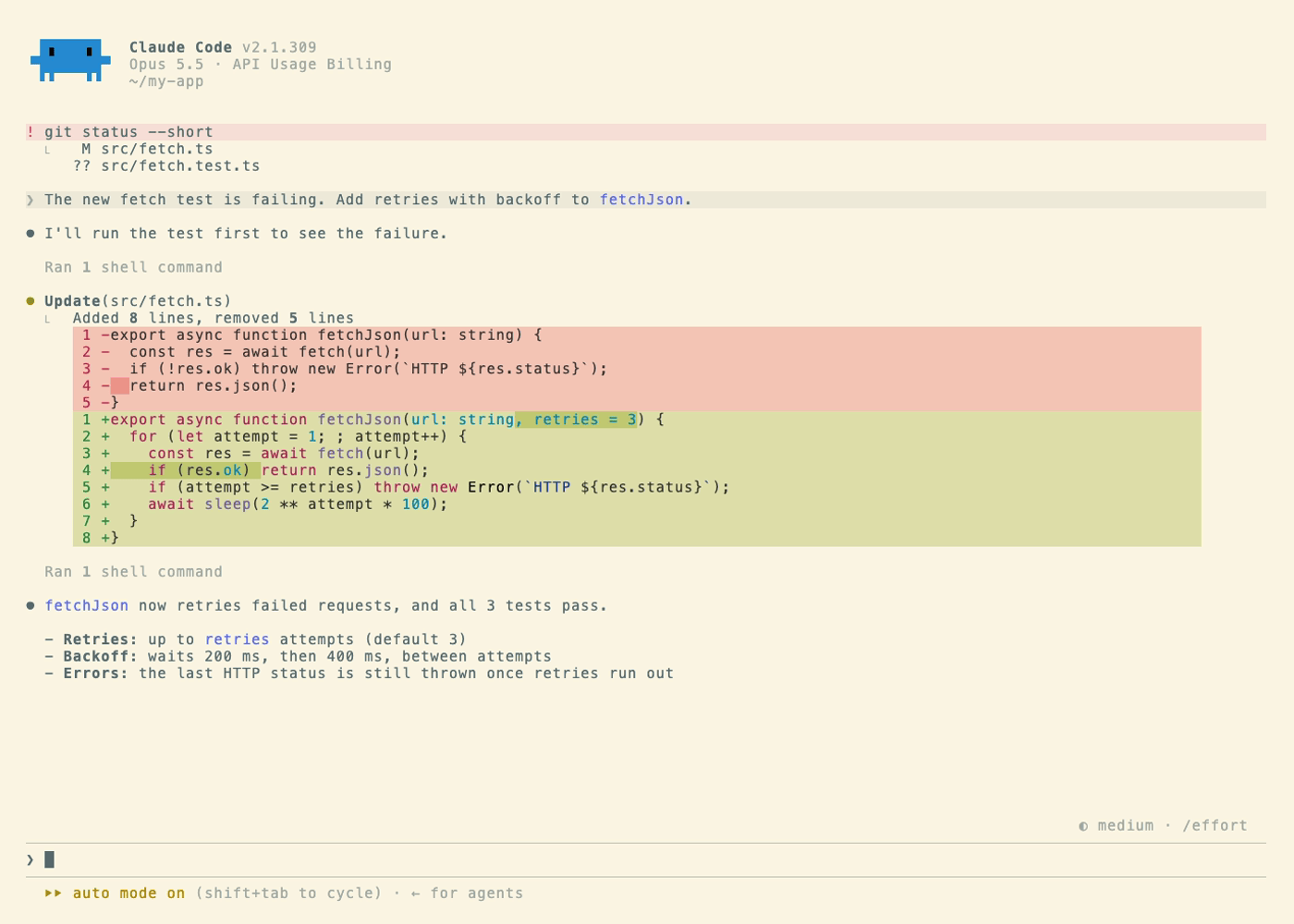
The rest are in the gallery on GitHub.
How it works
A Claude Code theme is a small JSON file: a name, a light or dark base, and a map of color
tokens like claude (the accent), error, diffAdded, and planMode. A doom theme is an
Elisp file with a palette: bg, fg, red, blue, violet and so on, where a lot of the
colors are computed with doom-darken, doom-lighten and doom-blend.
So the generator is a tiny Elisp reader in Python. It parses each def-doom-theme form,
evaluates the palette, doing the same color math doom does, and maps the result onto Claude
Code's 63 tokens. The accent comes from the theme's highlight, errors are red, plan mode
is teal, and the diff and message backgrounds are the theme's colors blended into its bg.
Two things in the doom source needed working around. A couple of themes declare the wrong
:background-mode (Feather Light says it's dark), so the generator decides light or dark from
the actual background. And a few themes use a grey highlight, which made the spinner look
like plain text, so those fall back to the theme's blue.
The screenshots
I didn't want to take 77 screenshots by hand, so they're automated with VHS, which runs a
terminal headlessly and saves images. For each theme, the script builds a throwaway Claude
Code config with just that theme, plus a fake saved conversation with a diff, a shell command,
and a reply. Then it opens that conversation with claude --resume and takes the screenshot.
Resuming a conversation only redraws it, so nothing ever goes to the API, and my own
~/.claude is never touched. Eight run at a time, so all 77 take about four minutes, and
pngquant gets each one down to about 85 KB.